
In addition to emails, todo's, events and notes, you can also collect Bookmarks, News Articles, and other Cloud Docs - basically anything you can view in a browser, including spreadsheets, presentations, web pages, anything.
To collect browser bookmarks and cloud docs from your iPhone, follow these simple steps.
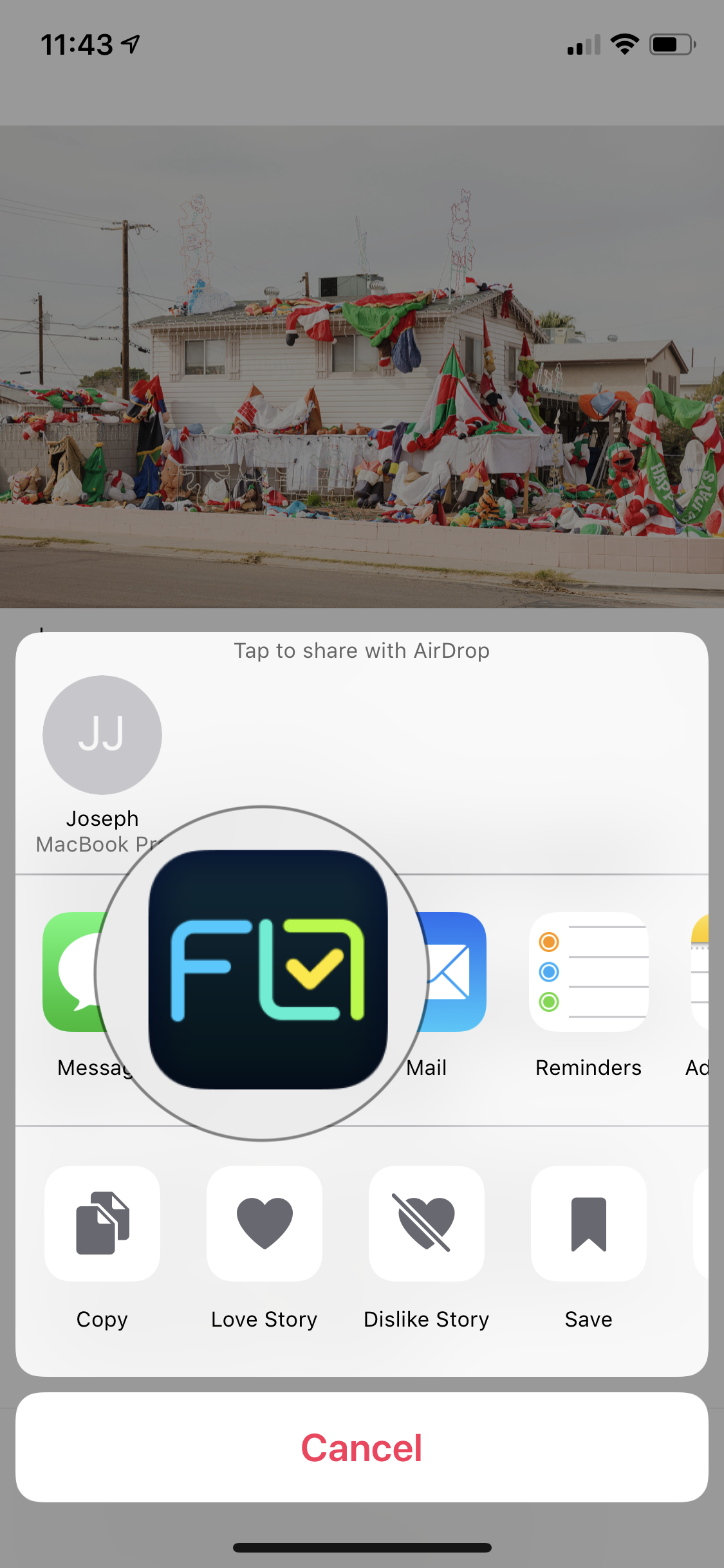
1.) In Safari Browser or Apple News, select the 'share icon'

2) The select "Flo" as the destination.
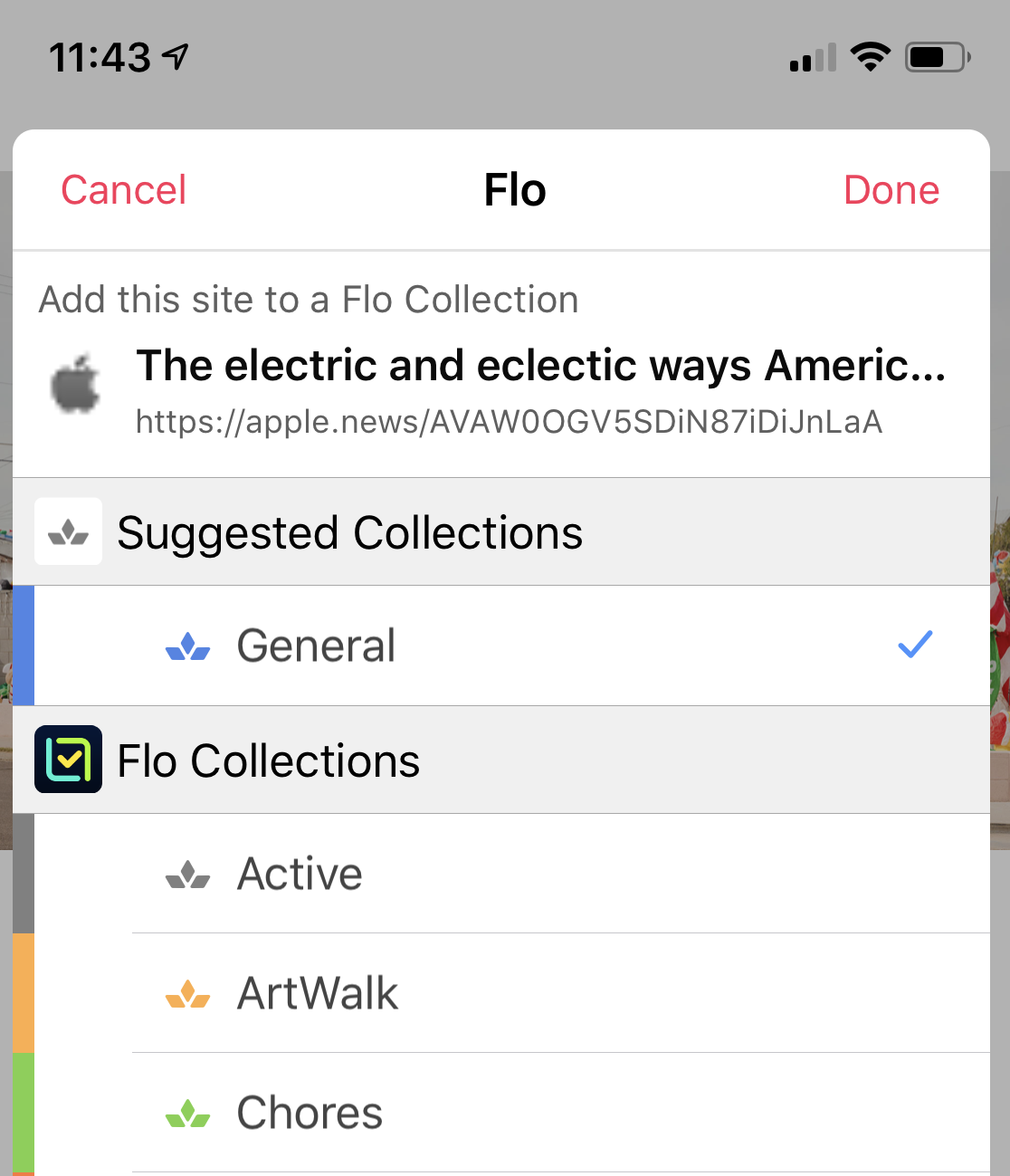
3.) Select which Collection you would like to save the page to. Flo will suggest recent collections for you.
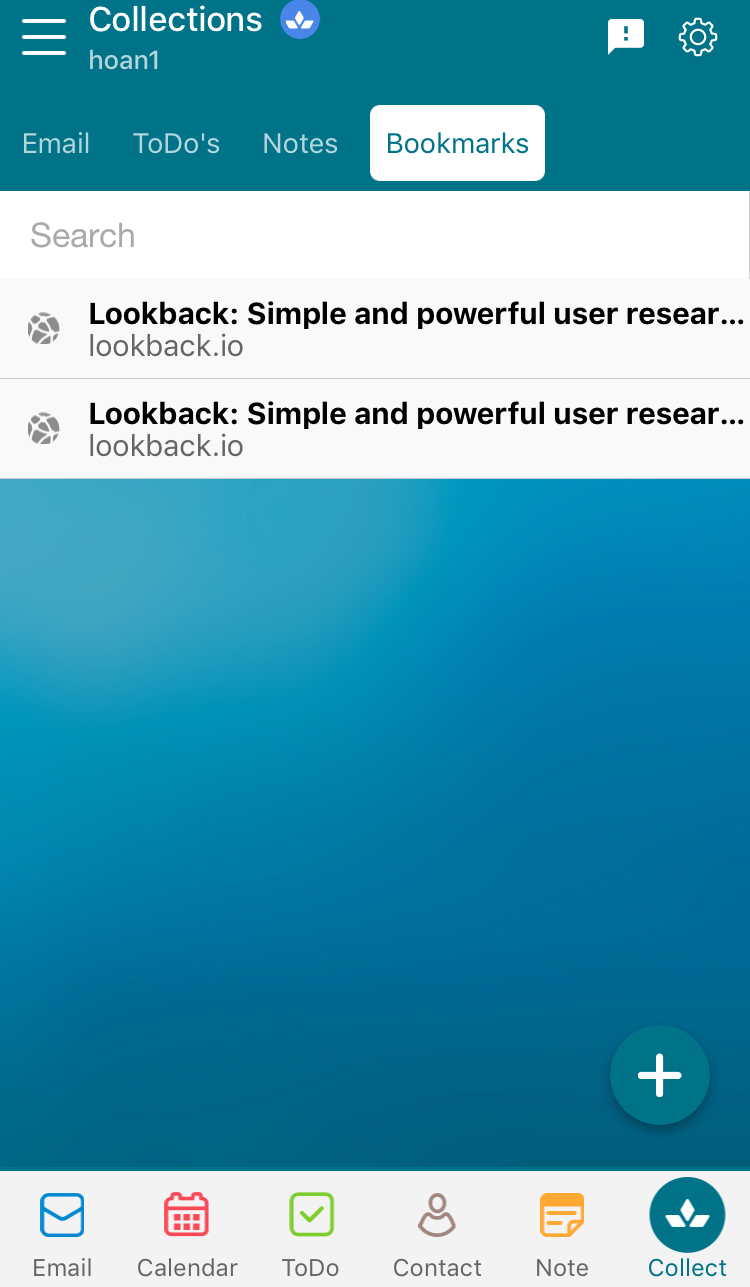
4.) View the page from the Collections page in Flo!
Comments
0 comments
Article is closed for comments.